Try it yourself · No real money
Your business, selling to the whole city — from your phone.
Food, a store, car rentals, rooms, houses, table reservations: whatever you sell, Franco Food puts it in front of thousands of customers — and the money lands in your wallet with Franco Pay.
Step 1 · What do you sell?
One app, every kind of business
Pick a type and see what the business publishes and what its owner panel shows. You set the price — that is exactly what you receive. The customer pays the price plus 5% on reservations.
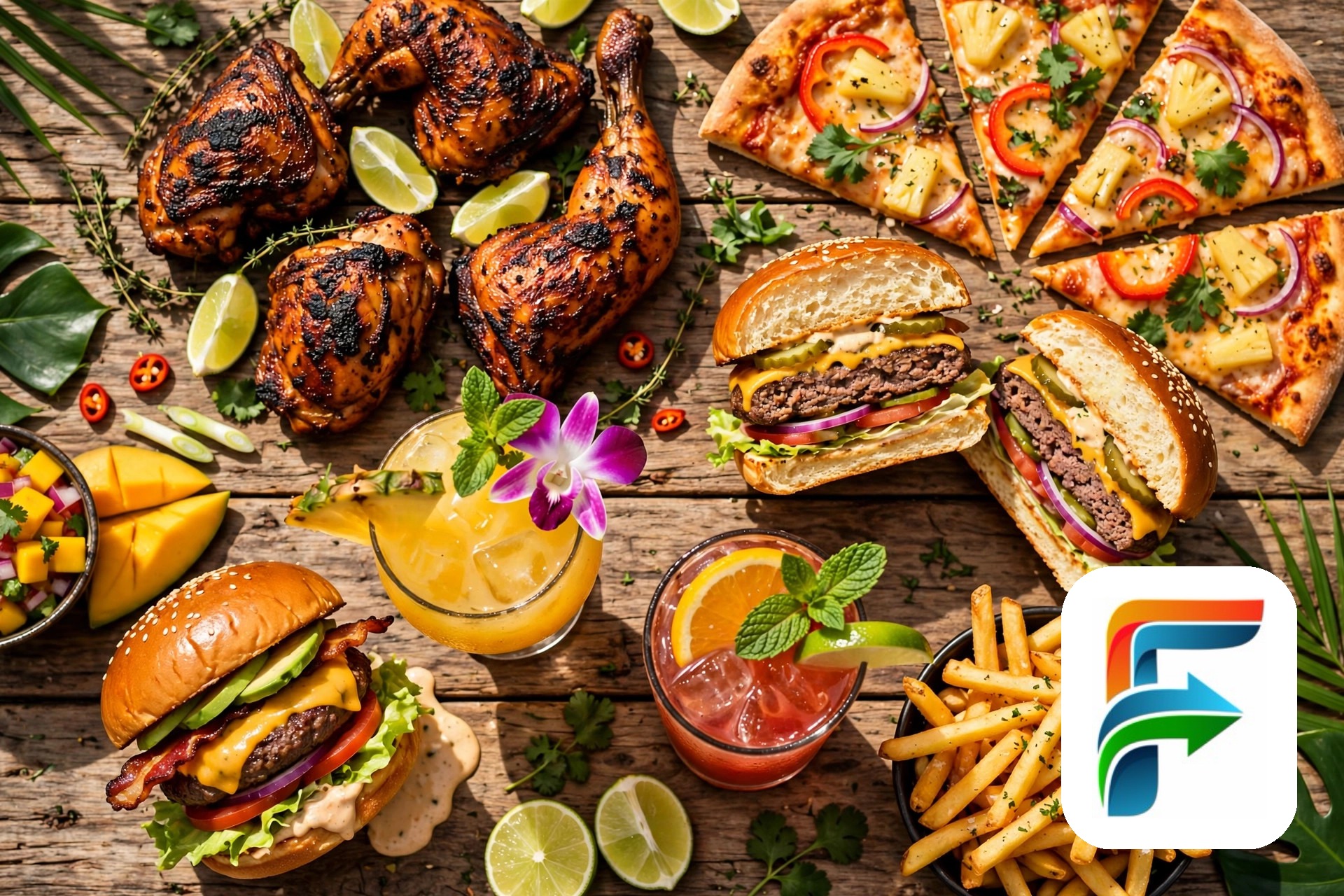
Island Grill
What you publish
Your panel shows
Reservations arrive already paid in part: the customer pays 50% today and the other 50% when you confirm. No two bookings can ever take the same car, room, house or table.
Step 2 · Your panel, live
Orders and reservations walk in by themselves
This is a sample owner panel. Tap a button and watch a real order or reservation arrive — the earnings move and the activity feed fills up.
Simulate a new booking
Withdraw to my bank
Franco Pay sends your money to your local bank. Whoever withdraws sees the real fee before confirming.
Latest activity
Step 3 · How it works
From zero to selling in one afternoon
- 1Register your businessFood, store, cars, rooms or houses — pick your type, add your logo and your documents. Verification keeps customers trusting you.
- 2Publish what you sellYour menu, your products, your cars, your rooms or your houses — with photos and your own prices. Your own panel for cars and rooms keeps every booking in one place.
- 3Receive orders and reservationsFood orders arrive instantly. Reservations arrive with 50% already paid — the other 50% is charged when you confirm. A car, a room, a house or a table can never be booked twice.
- 4Get paid with Franco PayThe money lands in your wallet the moment the customer pays. Withdraw it to your local bank whenever you want.
Everything included
What your business gets
Your own panels
Business, car and hotel panels on the web and in the app: listings, bookings, calendar and earnings in one place.
Reservations without clashes
Tables, cars, rooms and houses with a live calendar. Days already booked show as taken — double bookings are impossible.
Paid with Franco Pay
Cards, Apple Pay and Google Pay. Reservations are 50% prepaid, so no-shows stop costing you the whole booking.
Live selling
Go live from your store and sell while customers watch. Live stores pull the crowd in.
Ratings that bring customers
Customers rate you after every order or stay. Good ratings push you up in search.
Verified and trusted
Document verification for owners and drivers, and one licence number per account — customers book with confidence.
Ready to sell where the customers already are?
Registration takes a few minutes. Publish today, receive your first order or reservation tomorrow.
Register my business →Opens the real registration in the Franco Food app.