 Franco Food
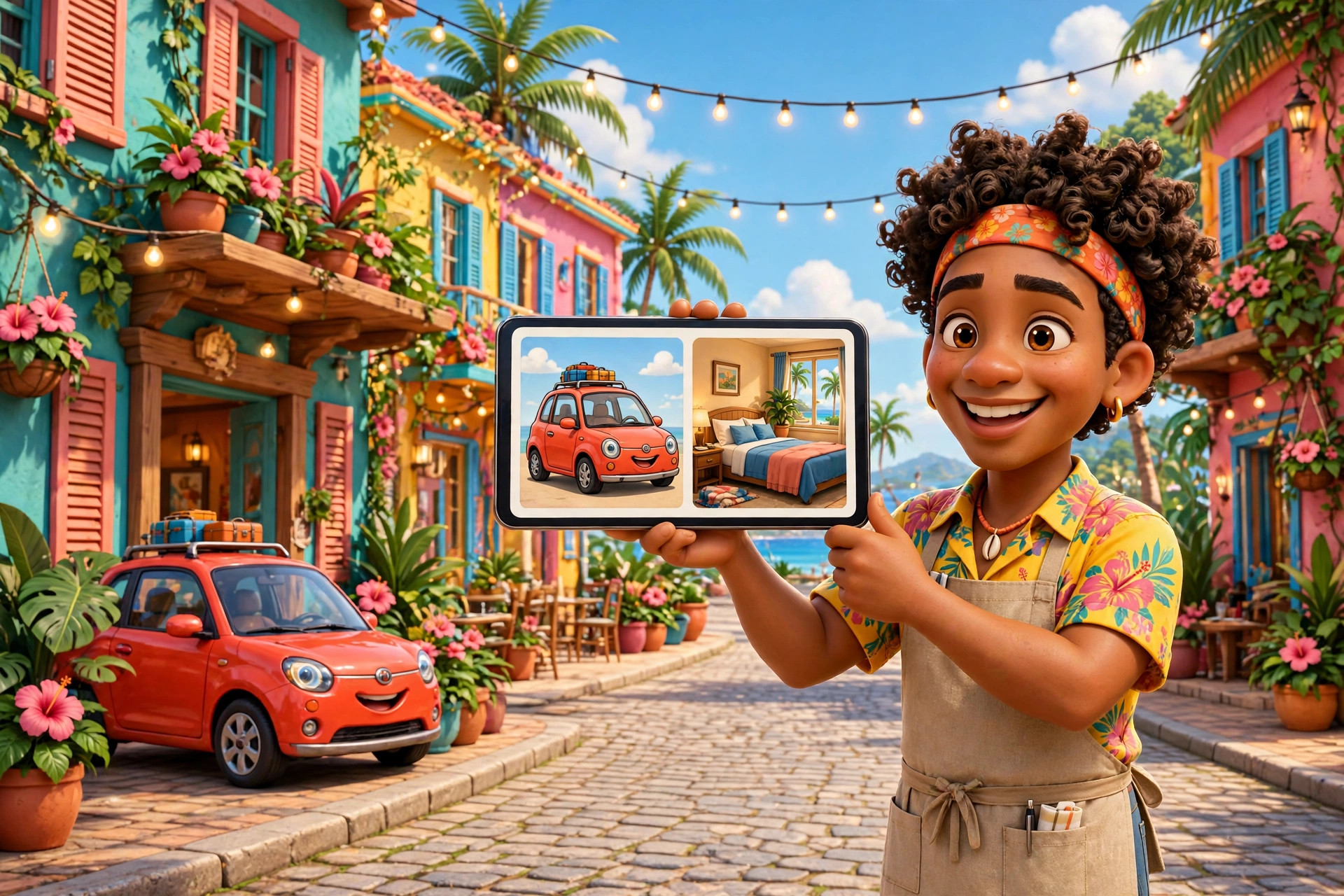
If you rent cars or rooms on Franco Food, you run the whole thing from your own panel: your vehicles or rooms, your reservations, your calendar — and the switches that decide what customers can book. No phone calls, no spreadsheets.
The car panel
Open it from your business page (🚗 Car panel). There you manage your vehicles — photos (up to 10 per vehicle), price per day, delivery price, active or inactive — and your reservations: confirm or reject them, and mark the return of a car or a no-show. The calendar shows your booked days, and you can connect your Google Calendar from the same panel.
The panel also holds the delivery switch: if you turn it off, customers can only pick up and return the car at your business — no delivery address field, no delivery charge. Turn it on, and the customer chooses delivery or pickup when they reserve.
The hotel panel
Open it from your business page (🏨 Hotel panel). There you manage your rooms — name, type, size, view, maximum guests, price per night, photos (up to 10), active or inactive — and your reservations: confirm or reject them, and mark whether the guest showed up or not. A switch in Settings pauses all hotel reservations at once, and the calendar shows your booked nights.
Delivery, priced by you
For cars, you set a delivery price per vehicle. When a customer chooses delivery, the breakdown shows your delivery price plus a 2% platform fee on that delivery price — not 5%. The 5% applies only to the rental itself. The customer sees the full breakdown before paying, and you receive the rental price plus the delivery price.
One switch per item
Every table, room and car has its own switch. Switch an item off and it disappears from the app: customers cannot see it or book it until you switch it back on. Reservations that already exist keep their course — switching an item off never cancels a booking.
Verified before you publish
Car, hotel and house businesses submit documents when they register, so customers book with a business Franco Food has checked:
- Cars: identity document, business licence and vehicle registration.
- Hotels: identity document, business licence and property document.
- Houses for rent: identity document and property document.
- Restaurants do not submit documents — they are exempt.
Admins and support agents review the documents. Until your business is approved you cannot publish vehicles or rooms: customers do not see them and reservations are refused. If your documents are rejected you see the reason and you can resubmit.
Calendar and Google Calendar
Each panel has a calendar with your booked days and a day view of every reservation. You can also connect your Google Calendar so confirmed reservations appear there as events. Read how the sync works →
Withdrawals: what to expect
Withdrawals through Franco Food are manual and can take up to 14 days to process. If you want to withdraw faster, download the Franco Pay app and sign in with the same Franco Food account: you can manage your wallet from there and withdrawals are much easier. The same notice is shown in the app before you request a withdrawal.
Questions or comments? Write to us at team@francoapp.com — we read every message.