 Franco Food
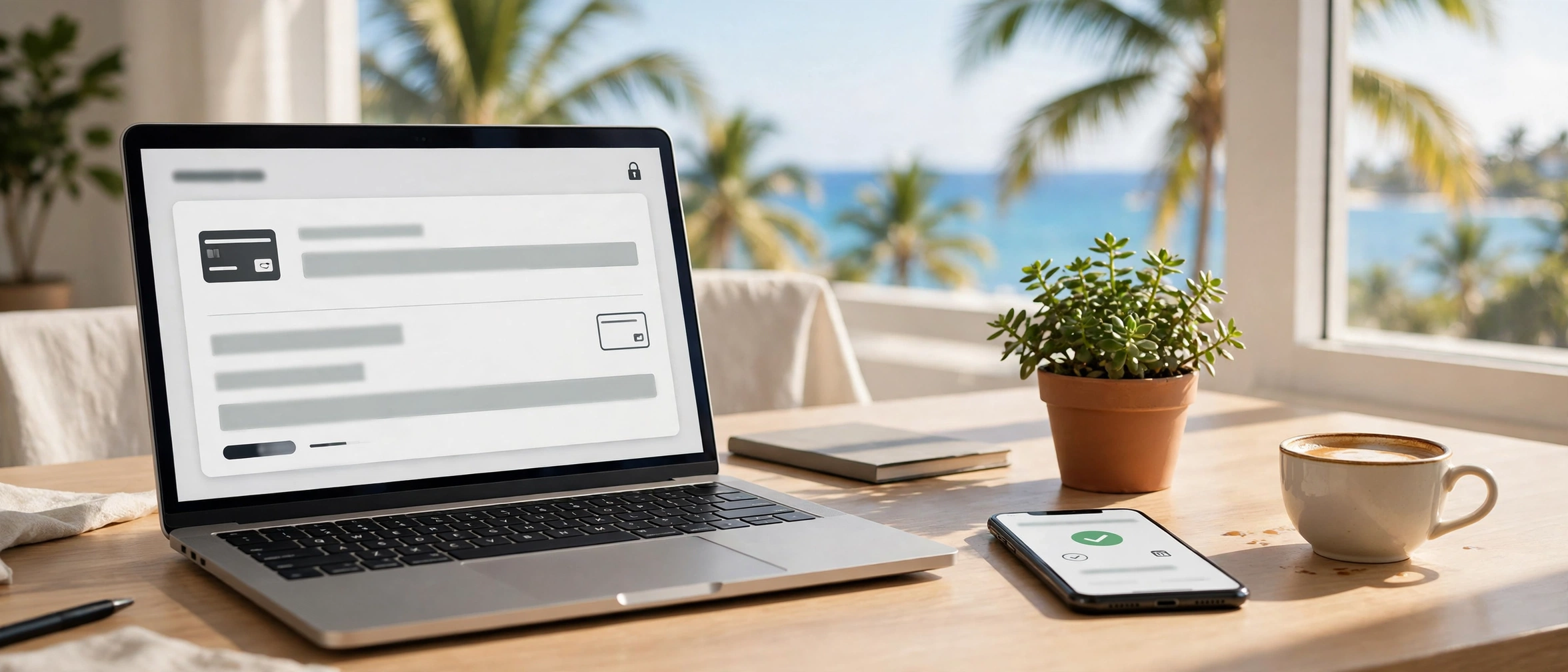
You build apps and websites in the Caribbean. Your customers are everywhere — a tourist in Toronto, a client in London, a buyer in New York. But getting paid across borders is still the hard part: cards in other currencies, payouts that take days, processors that do not serve the Caribbean, and fees you only discover after the money moves. Franco Pay was built to fix exactly that: a payment processor made for Caribbean developers, so you can take card payments from anywhere in the world and get the money into your bank at home.
The problem: getting paid across borders is still hard
If you sell an app, a subscription, a booking or a store, you need a processor that speaks your customer's currency and pays out to a Caribbean bank. Too often the choice is between a global processor that does not onboard Caribbean businesses, and a local workaround that holds your money, converts it twice, or leaves you guessing what arrived. Franco Pay is the middle that was missing: it lives in Trinidad and Tobago, Antigua and Barbuda, Dominica and Louisville (United States), it takes cards from customers in more than 195 countries, and it withdraws to your bank in your own currency.
Charge in 130+ currencies, from customers in 195+ countries
Your customer pays by card in their currency, and the money lands in your wallet currency, converted once at a frozen rate. The conversion costs 2% in total — 1% from Stripe and 1% from Franco Pay — and it is shown as one single "Conversion 2%" line, so you always know exactly what it cost. There is no second conversion hiding further down the flow.
Your wallet is always in your account's currency, and that rule never breaks:
- If your account is in Trinidad and Tobago, your wallet is in Trinidad and Tobago dollars (TTD), even if you are paid in US dollars.
- If your account is in Antigua and Barbuda or Dominica, your wallet is in Eastern Caribbean dollars (XCD).
- If you are paid in another currency, the amount is converted once, at the rate recorded at that moment (for example, US$1 = TT$6.80), and it is credited already converted. It is never credited 1 to 1, and never in a currency different from your account's.
- Every conversion is recorded in your history, so you can always see how much came in, at what rate, and how much was credited.
Where the money lands — and how it reaches your bank
The wallet is the heart of Franco Pay: every payment lands there, in your currency. When you want it in your bank, you choose the corridor and you see its real price before confirming; the wallet is debited for the full amount and the net is sent. The net you are quoted is the net you are paid — not a cent less along the way.
- Trinidad and Tobago — Local bank (TTD): US$2.50 + 1% FX. Arrival: 1 to 7 days.
- Antigua and Barbuda — Wire transfer (XCD): US$25 + 1% FX. Arrival: 1 to 7 days.
- Dominica — Remitly only: cash pickup or debit card.
- United States (Louisville) — ACH bank (USD): next-day, same-day or real-time (RTP).
On top of the corridor there is a single US$1.00 platform fee on standard and instant withdrawals; automatic withdrawals are free. You set the pace: a one-off withdrawal whenever you ask for it, or an automatic one on the day you choose — Mondays by default — in the mode you pick: the full balance, a fixed amount, or everything above a threshold.
Build on Franco Pay: the developer API, payment links and invoices
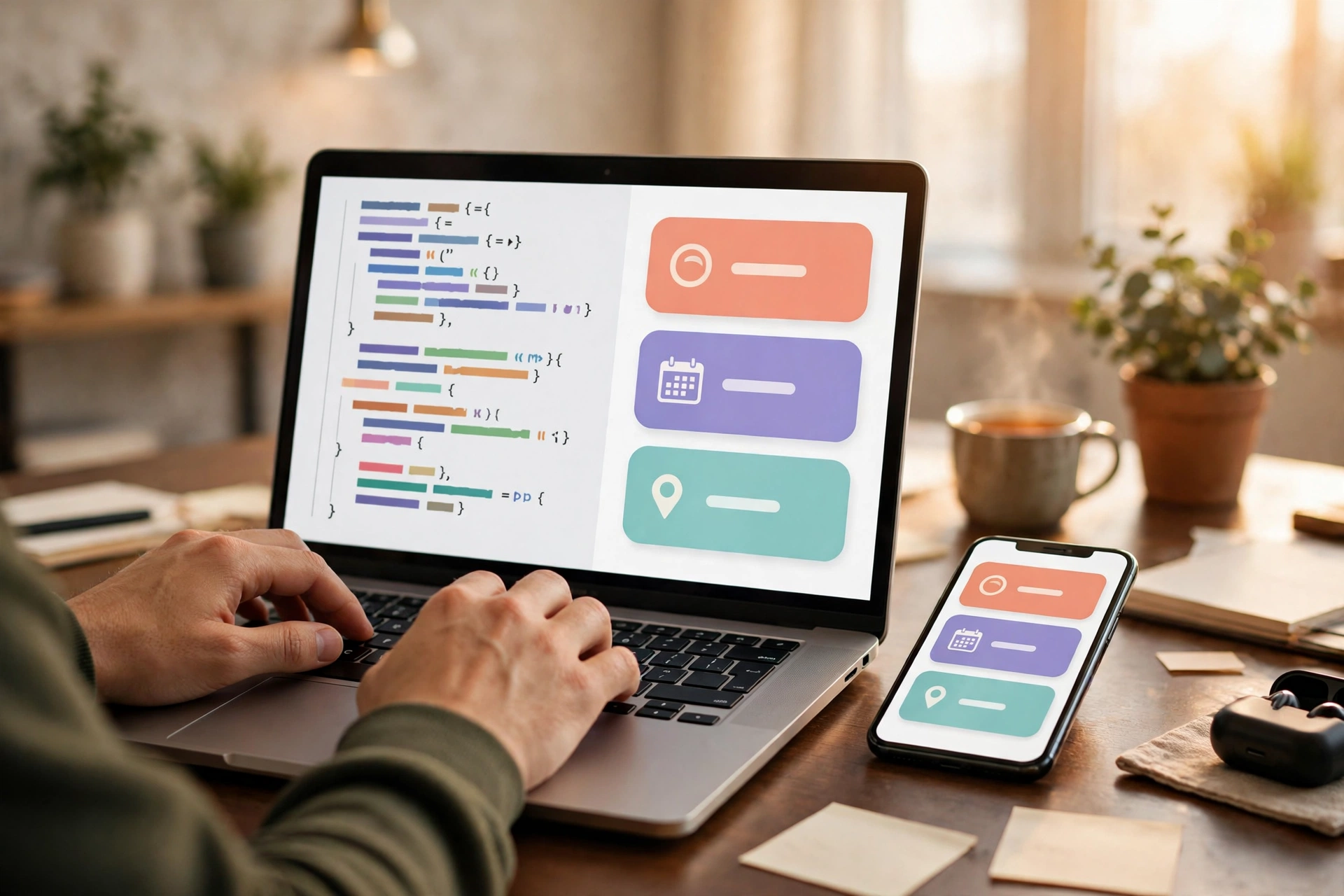
Franco Pay has a public API, so you can build your own app or website on it and take card payments from anywhere in the world. With an API key you get charges, customers, invoices, payment links and webhooks — and the full documentation is at francoapp.com/franco-pay/developers/.
- Charges: create a charge for an amount and your customer pays it by card, on the spot or through your app.
- Payment links: generate a link and share it wherever you like — WhatsApp, email, social media. Unpaid links expire after 24 hours, so no old charge is left floating around. The customer pays on the web payment page and never needs to have the app installed.
- Invoices: create an invoice with its line items and due date, send it, and your customer gets a link that opens the payment page on the web. When they pay, the money enters your wallet; if you need the receipt, you download it as a PDF.
- Webhooks: get notified when a payment completes, so your app can unlock the order, the subscription or the booking on its own.
Your customers create themselves, too: when a customer pays you — an invoice, a payment link, a charge — that customer is created on their own in Franco Pay with the payment's details, and every new payment is added to their record. Your customer book builds itself, payment by payment.
Your wallet: always in your currency — and transfers are free
Need balance? Top up your wallet with your card in seconds. The top-up carries the Stripe fee plus the platform's 1%, and your wallet is credited exactly. And sending money to another Franco Pay account costs nothing: wallet-to-wallet transfers are free, with no fee — you type the email or phone, you see the person's name before confirming, you send, and both of you see the movement in your history instantly.
The fees, in plain numbers
- Charge: 5% for unverified businesses, 3.5% for verified businesses. Verified status is automatic. Over US$10,000 a month, the tiers drop to 4% and 3%.
- Currency conversion: 2% in total — 1% from Stripe and 1% from Franco Pay — shown as one "Conversion 2%" line.
- Withdrawal: a single US$1.00 platform fee on standard and instant withdrawals; automatic withdrawals are free. Corridor fees: Trinidad and Tobago US$2.50 + 1% FX, Antigua and Barbuda US$25 + 1% FX, Dominica by Remitly, United States by ACH.
- Top-up: Stripe fee + 1%, credited exactly.
- Wallet-to-wallet transfers: free.
No hidden rounding, no second conversion, no fee that appears after the fact. What the app shows you before you confirm is what happens.

Start here
If you already have Franco Food with your email and phone verified, you already have everything you need: sign in with Franco Food and your wallet is waiting for you. Your country and your currency are fixed to those of your Franco Food account from the very first moment — that is what guarantees your money always moves in the right currency and through the right corridor. Then get your API key, read the docs, and create your first charge or payment link.
- Franco Pay on the web: francoapp.com/franco-pay/
- Developer documentation (API): francoapp.com/franco-pay/developers/
- Franco Pay panel (web, for computers): francoapp.com/franco-pay/panel/
- Franco Pay on Google Play: Google Play — Franco Pay
- Franco Food app: francoapp.com/app/
- Questions: team@francoapp.com
On iPhone, Franco Pay is coming to the App Store — it is in review with Apple right now. Meanwhile, you can use Franco Pay on the web and on Android. The app is available in nine languages.
Franco Pay — built for Caribbean developers. Charge in 130+ currencies, get paid in your currency, withdraw to your bank.
Questions or comments? Write to us at team@francoapp.com — we read every message.