 Franco Food

Franco Pay is Franco Food's payments app. It was born to solve something very specific: that a business, a driver or anyone in Trinidad and Tobago, Antigua and Barbuda, Dominica and Louisville (United States) can take card payments, keep their money in a digital wallet, send it to someone else and withdraw it to their bank — no fuss, no in-person paperwork and no depending on cash.
It is not a standalone app: it lives connected to Franco Food. With the same account you order food, a taxi or a delivery, and you pay with your Franco Pay balance. And for a business, everything it takes — in the store, on an invoice or inside Franco Food — lands in the same wallet.
In this article we go through, one by one and in detail, everything you can do today with Franco Pay.
Sign in with your Franco Food account — no separate registration
Franco Pay has no independent registration. You sign in with the "Sign in with Franco Food" button, or with your Franco Food email and password. There is just one condition, and it is for your safety: your email and your phone must be verified first in Franco Food. If you already use Franco Food with both verified, you already have Franco Pay: no new forms, no other password to remember.
Your country and your currency are fixed to those of your Franco Food account from the very first moment. That is not a whim: it is what guarantees your money always moves in the right currency and through the right corridor.
Your wallet: your money, always in your currency
The heart of Franco Pay is the wallet. That is where your balance lives and where all your payments arrive. The wallet's golden rule is simple and never breaks: your balance is always in your account's currency.
- If your account is in Trinidad and Tobago, your wallet is in Trinidad and Tobago dollars (TTD), even if you are paid in US dollars.
- If you are paid in another currency, the amount is converted once, at the rate recorded at that moment (for example, US$1 = TT$6.80), and it is credited already converted. It is never credited 1 to 1, and never in a currency different from your account's.
- Every conversion is recorded in your history, so you can always see how much came in, at what rate, and how much was credited.

On the home screen you see your balance at a glance, with the buttons for what you use most in a row: charge, send, top up and more. On iPhone, the Franco Pay widget also shows your balance and your latest activity without opening the app.
Getting paid: charges and payment links that speak your customer's currency
Getting paid is what Franco Pay does best. You have two ways in, and both end on the same secure payment page:
- Direct charge: you create a charge for an amount and your customer pays it by card on the spot.
- Payment link: you generate a link and share it wherever you like — WhatsApp, email, social media. Unpaid links expire after 24 hours, so no old charge is left floating around.
The payment page has a rule that protects your customer and protects you: it always converts the total into the currency of the customer who pays. If the customer has an account and their wallet is in TTD, they pay seeing TTD; if the charge states the customer's country, that country's currency is used; and the amount they see is the final amount, with the secure payment fee on a single line, before confirming. No surprises and no strange math at the end.
You can charge in more than 130 currencies — your customer pays in their currency and the money lands in your wallet currency, converted once at a frozen rate.
And it goes further: the same API lets any business in the Caribbean accept payments from customers in more than 130 countries, in more than 130 currencies — so you can build your own app or website on Franco Pay and take card payments from anywhere in the world. The full developer documentation is at francoapp.com/franco-pay/developers/.
Once the payment completes, the money enters your wallet and is recorded in your history with who paid, how much and for what.
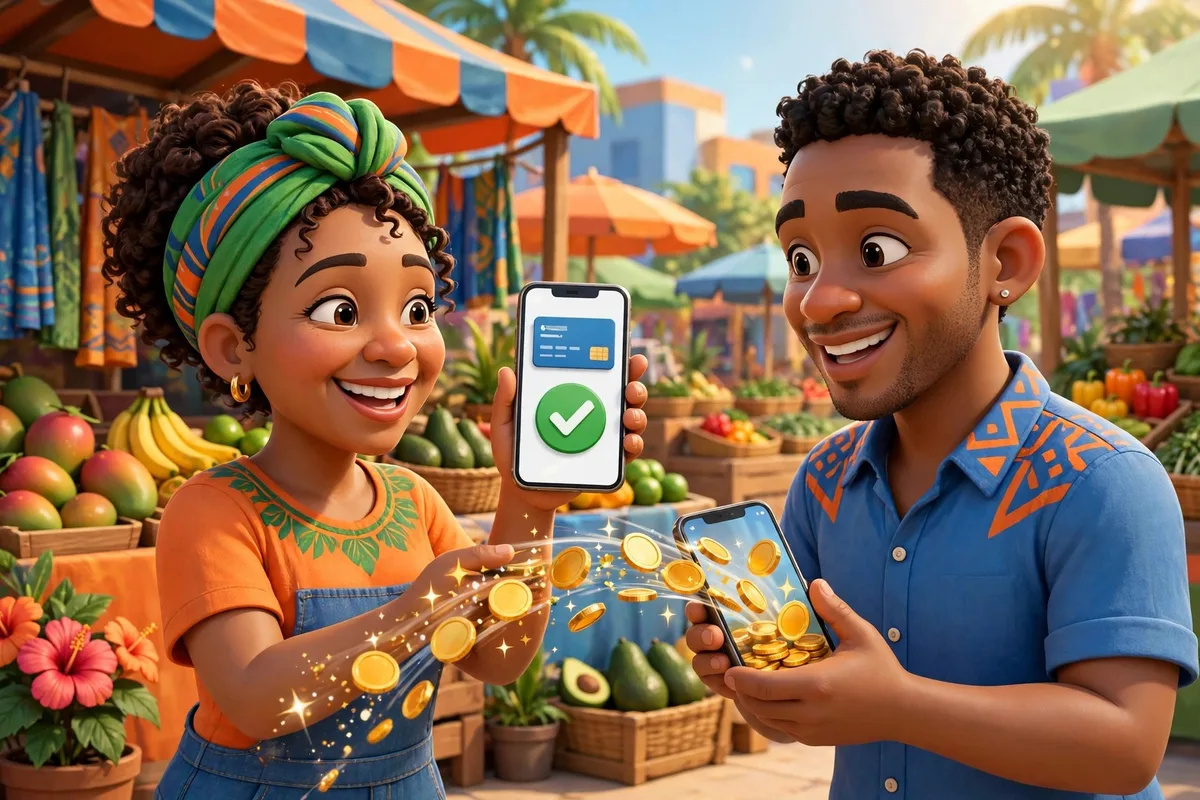
Complete invoices, from start to finish
If your business invoices, Franco Pay does it without leaving the app: you create the invoice with its line items and due date, you send it, and your customer gets a link that opens the payment page on the web — they never need to have the app installed. When they pay, the money enters your wallet; if you need the receipt, you download it as a PDF.
And the best part: every paid invoice feeds your customer list on its own, as we tell you below. Invoicing stops being a loose piece of paper and becomes your living customer book.
Top up your wallet — and top up a friend's
Need balance? Top up your wallet with your card in seconds. The top-up carries the Stripe fee plus the platform's 1%, and your wallet is credited exactly: if you top up US$10, you pay US$10.71 and the full US$10.00 lands in your balance. No hidden rounding.
You can also top up a friend's wallet by their email or phone. Before you pay you see their name, so you can confirm you are sending to the right person, and the movement stays in both of your histories.
Send money wallet to wallet: free
Sending money to another Franco Pay account costs nothing. Wallet-to-wallet transfers are free, with no fee: you type the email or phone, you see the person's name before confirming, you send, and both of you see the movement in your history instantly. It is the fastest way to pay a relative, an employee or another business that also uses Franco Pay.
Pay in Franco Food with Franco Pay
At Franco Food checkout, the customer can choose to pay with Franco Pay. The driver sees the notice and the itemised amount, and when they confirm the delivery, the charge is captured on its own: the driver receives their full earnings and each side sees their money reflected without anyone having to chase anything. Food, taxi and packages paid with the same wallet.
Withdraw your money: you choose how, when and how much
Your money is yours, and withdrawing it should not be a guessing game. In Franco Pay, whoever withdraws chooses the method and sees its real price before confirming; the wallet is debited for the full amount and the net is sent. The net you are quoted is the net you are paid: not a cent less along the way.
- Trinidad and Tobago — Local bank (TTD): US$2.50 + 1% FX. Arrival: 1 to 7 days.
- Antigua and Barbuda — Wire transfer (XCD): US$25 + 1% FX. Arrival: 1 to 7 days.
- Dominica — Remitly (manual): cost and arrival depend on the Remitly method.
On top of the corridor there is a single US$1.00 withdrawal fee on instant and standard withdrawals; automatic withdrawals are free. And you set the pace:
- Instant: by Remitly Express in minutes (Trinidad, Antigua and Dominica) or in real time by bank in the United States.
- Standard: a one-off withdrawal whenever you ask for it.
- Automatic and free: you schedule the day you want — Mondays by default — and the mode: the full balance, a fixed amount, or everything above a threshold. The system withdraws on its own, so you never have to remember.
Your customers create themselves — and each one has its own story
This saves businesses hours: you never have to register anyone. When a customer pays you — an invoice, a payment link, a charge — that customer is created on their own in Franco Pay with the payment's details, and every new payment is added to their record.
Tapping a customer opens their full detail:
- All their transactions: payments received, with dates and amounts.
- Their refunds, if any, next to the payment they came from.
- The actions to keep working with them without leaving their record: send them an invoice, a payment link or a new charge.
- And if a payment went wrong, you issue the refund from their own history, with the same secure flow as always.
The result is a customer book that builds itself, payment by payment, and tells you who buys from you, how much and when.
Refunds without the drama
Returning a payment is also part of selling well. From the customer detail or from the charge history you can refund a payment, and it is recorded in both histories and shown in your statistics, separate from what you took in. No writing refunds down in a separate notebook.
Statistics with analytics: your business in clear numbers
The Statistics screen is not a cold list: it is your business dashboard. You choose the period — with the buttons in a row, ready to tap — and you see:
- Analytics with a chart: your earnings over time, in bars by hour, day or month depending on the period.
- Six summary cards: net, collected, refunded, your daily average, your best day and your best month.
- The charges vs refunds breakdown, so you know exactly how much came in and how much went back.
- The dynamic table: you expand the year into months, the month into days and the day into each charge, with its description and who it came from.
Need the report outside the app? Download your earnings as a PDF, with the Franco Pay brand — and the download comes down as a file, straight to your computer or your phone's files, without opening in a viewer. If a period has no activity, the screen says so honestly: no invented zeros.

Notifications and history: nothing moves without you knowing
Every charge, top-up, transfer, withdrawal and refund notifies you in the app and stays in your history in real time. If a new version of Franco Pay arrives on the web, the app itself tells you with a notice — "There is a new version: Update" — and updates with a tap: you never have to clear the cache or know anything technical to stay up to date.
The app speaks your language: Franco Pay is available in nine languages, and the automatic emails for your charges also arrive in the customer's language.
Security and control of your account
- Verified identity: nobody gets in without a verified email and phone in Franco Food, and verified businesses work with their verified-account badge.
- Country and currency locked: they stay fixed to your Franco Food account and cannot be changed from settings or when withdrawing, so your money never leaves through the wrong corridor.
- You are in charge of your account: from Settings you can delete your Franco Pay account, with a clear notice of what is deleted and what stays. Your Franco Food account is untouched, and deletion is blocked only if you have a held charge or a pending withdrawal.
All of Franco Pay, at a glance
- Take card payments: direct charge or payment link (expires in 24 h).
- Charge a customer in another country: the page converts the total into the customer's currency.
- Invoice: invoice with line items, due date, web link and PDF receipt.
- Keep my money: wallet always in my account's currency.
- Top up: by card; I can also top up a friend, seeing their name first.
- Send money: wallet to wallet, free, with history for both sides.
- Pay in Franco Food: with my balance; the charge is captured when delivery is confirmed.
- Withdraw: I choose the method, mode and day; automatic is free.
- Know my customers: they create themselves with each payment; detail with their full history.
- Return a payment: refund from the customer or from the charge.
- See how my business is doing: analytics, chart, dynamic table and earnings PDF.
Start today
If you already have Franco Food with your email and phone verified, you already have everything you need: go to francoapp.com/franco-pay, sign in with Franco Food and your wallet is waiting for you. Send your first invoice, send your first free payment to another wallet and schedule your automatic withdrawal: your money, at last, moves the way your business moves. You can also download Franco Pay on Google Play.
Franco Pay — charge, send and withdraw, all from your phone.
Questions or comments? Write to us at team@francoapp.com — we read every message.