 Franco Food
Who this is for
Anyone who wants to order food, request a taxi or buy during a live in Trinidad & Tobago, Antigua & Barbuda, Dominica or Louisville.
Before you start
- An email address you can open.
- A password you will remember.
- Your city — choose carefully, because the app locks it and you cannot change it later.
- A referral code, only if someone gave you one (optional).
Steps
Open Franco Food
Open the app from francoapp.com/app/. If you do not have it yet, that page is where you get it.
Go to Profile and create your account
Tap Profile in the bottom bar, then Create account (the login screen says “Don’t have an account? Sign up”).
The screenshot below is the real home screen: the Profile tab is at the bottom right. There is no capture of the signup form itself in the screenshot set, so this is the closest real screen.
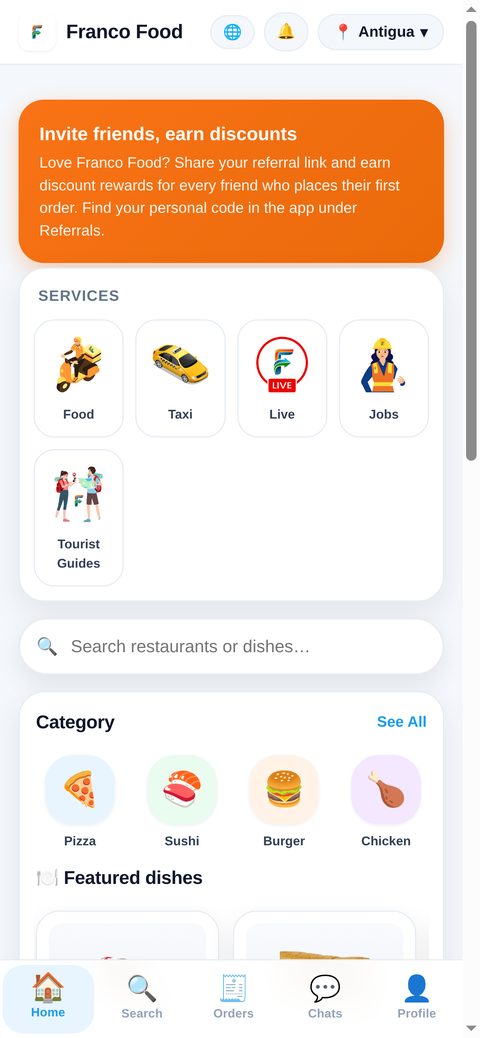
Real app screenshot: the home screen. The Profile tab is at the bottom right. Fill in the form
Enter your name, email and password, your date of birth, and pick your city (Trinidad, Antigua, Dominica or Louisville). Add a referral code only if you have one.
Your date of birth cannot be changed later, and the app mentions birthday surprises for it. You can also sign up with the Google or Apple buttons on the same screen.
Tap Create account
Your account is created as a Customer, with your city and its currency saved. If you are already signed in, the app does not show the signup form at all — it sends you home instead.
Check your email
The app sends a branded verification email from team@francoapp.com. Signing up is not blocked if that email fails to arrive, but verifying keeps your account in good standing.
Start ordering
Pick a store, add products to the cart and go to checkout. Enter your address, choose cash or card, and confirm. Delivery addresses must be in the same city as the store.
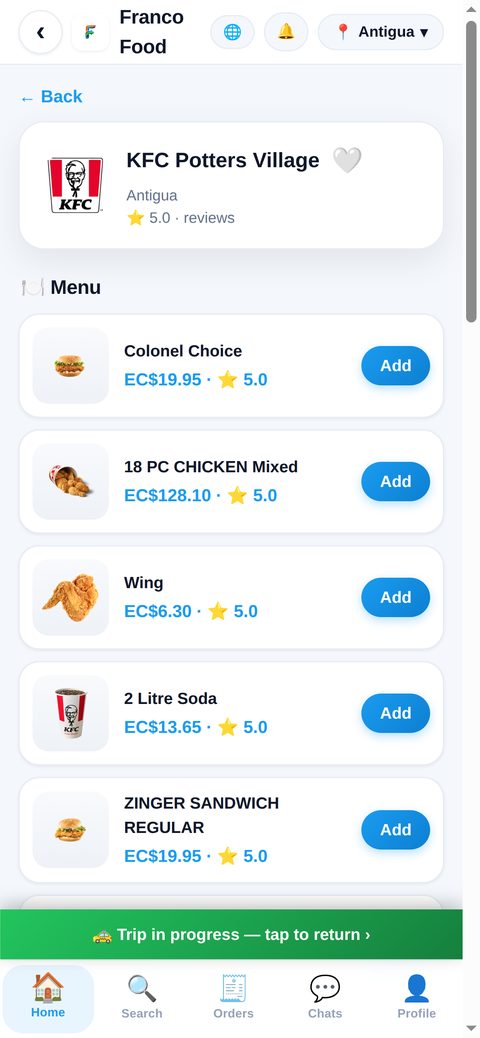
Real app screenshot: a store menu after signing in.
What happens next
There is no approval wait for customers: once the account exists you can order, request taxis and shop lives right away. Your city stays locked, so orders and prices use that city’s currency.
Common problems
- Already have an account? Use Log in instead of creating a second one.
- Already signed in and the form never appears? That is normal: a signed-in user is sent home instead of seeing the signup form.
- Wrong city? The app locks your city at signup, so pick it carefully before tapping Create account.
- Browsed as a guest first? The same form links your email to the guest account, so your data is kept.